
Security and technology systems across the UK and Europe 01772 395980
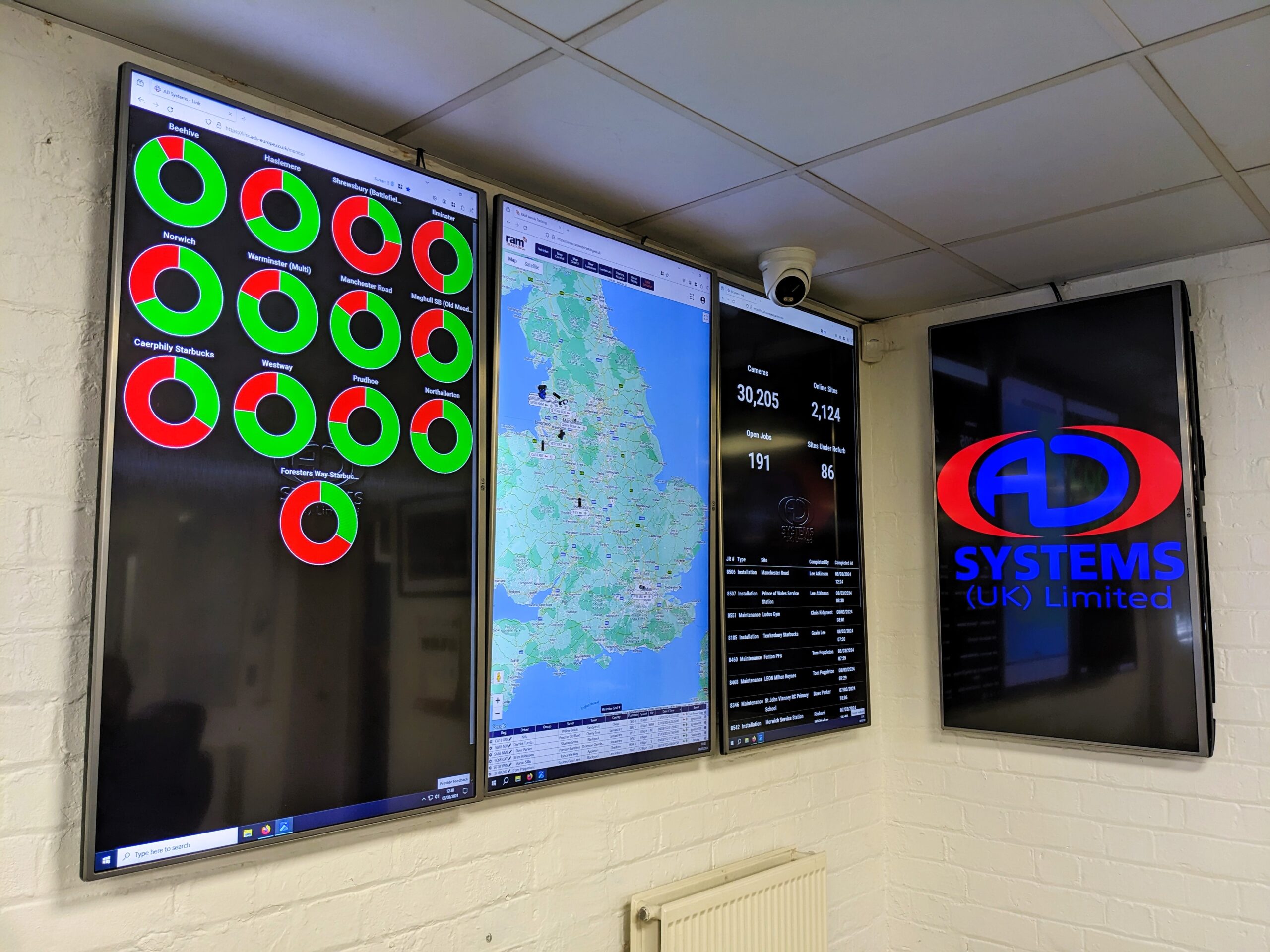
AD Systems office displays showing supported sites and system status

Downloads and tools

The right resource for the system in front of you.

Official software, manuals and support pages for CCTV, door access and network platforms, with clear guidance on who each resource is for.

Official provider resources and practical AD Systems checklists

Start with the model, then the download.

Check the manufacturer, full model number, hardware revision and current software version before selecting a file. These links take you to the provider's resource page so you can check its current release information.

We don't host copies of manufacturer firmware or remote-access tools. If a system is managed for you, agree any change with the responsible engineer first.

Plan a firmware update

Resource pages checked on 7th September 2026. Availability, sign-in requirements and versions are controlled by each provider.

CCTV

Hikvision

Viewing software and utilities

Official UK software pages for viewing clients and system utilities. Select the supported operating system and product family.

Software · System administrators

Check release notes and compatibility before replacing a working client.

Open Hikvision resource

Hikvision

How-to guides

Manufacturer guidance for common setup and operation tasks. Match the guide to your recorder or camera interface.

Guidance · Authorised operators

Menu names and available features vary by model and firmware.

Open Hikvision resource

Dahua

Download centre

Firmware, software, product resources and documentation in Dahua's official download centre.

Software and manuals · System administrators

Select the correct region, exact device model and hardware version.

Open Dahua resource

Hanwha Vision

Support downloads

Search official Hanwha Vision product documentation and download resources.

Software and manuals · System administrators

The manufacturer portal may require JavaScript or an account for some resources.

Open Hanwha Vision resource

Axis

Product support

Find support, device software, documentation and tools for Axis products.

Product support · Operators and installers

Check the product's support status and supported update path.

Open Axis resource

Door access

Paxton

Application notes

Task-based guidance for operating and configuring Paxton systems.

Guidance · Authorised administrators

Choose the correct system. Net2 and Paxton10 have different management tools.

Open Paxton resource

Paxton

Technical literature

Installation instructions, datasheets and reference material for Paxton equipment.

Manuals · Installers and specifiers

Wiring, locking and emergency-release changes need competent installation support.

Open Paxton resource

Networks

Ubiquiti

UniFi software and apps

Official UniFi downloads and links to the vendor's mobile and desktop applications.

Software · System administrators

Identify whether you use a UniFi console or a self-hosted management system first.

Open Ubiquiti resource

Ubiquiti

UniFi help centre

Guidance covering Network, Protect, Door Access and user permissions.

Guidance · Operators and administrators

Some support services or account-specific resources require sign-in.

Open Ubiquiti resource

TP-Link

UK download centre

Find firmware, utilities and manuals by product model.

Software and manuals · System administrators

Check the hardware version on the label as well as the model name.

Open TP-Link resource

Omada

Software Controller resources

Official downloads, release information and documentation for the Omada Software Controller.

Software · Network administrators

Back up the controller and check managed-device compatibility before an upgrade.

Open Omada resource

AD Systems checklists

For site teams

CCTV recording and playback checks

A printable checklist for an authorised operator to record what is working and what needs attention, without changing the system.

Use alongside the accompanying operator guide.

Download checklist · TXTRead the accompanying guide

For project planning

System inventory template

A spreadsheet-ready list of equipment, software and support details to help scope an upgrade. Keep completed inventories in your organisation's secure records.

No passwords, access codes or public IP addresses are requested.

Download inventory · CSV

Start a conversation

Not sure which download applies?

Tell us the model, current version and task you need to complete. We'll help you identify the appropriate next step.